

How Many Devices Can One USB Port Handle?

If you've ever found yourself using a laptop with one or two USB ports (unfortunately, a more common experience than it used to be), you probably ended up connecting everything over a USB-C hub or dock. After connecting your monitor, keyboard, mouse, power supply, and more, you may have wondered whether it was really a good idea to put so much stress on a single USB port. Surely it's not built to handle that many devices at once, right?
The truth is that USB ports can handle a much larger load than you might suspect. It is precisely because of its workhorse capabilities that USB technology has remained the gold standard for connectivity for so long. Your usual workflow setup is not going to pose a problem for the average USB port. In fact, the theoretical limit for how many devices could be hooked up to a single port is a whopping 127 on older USB ports, and up to 255 on newer ones.
However, just because a USB port could theoretically handle hundreds of devices doesn't mean there's actually a way for most people to do so. The other devices in that chain will end up being the true barrier. So, here's why USB ports can handle such a high number of devices in theory, and why it's so difficult to hit that limit.
USB ports can theoretically handle 127 devices
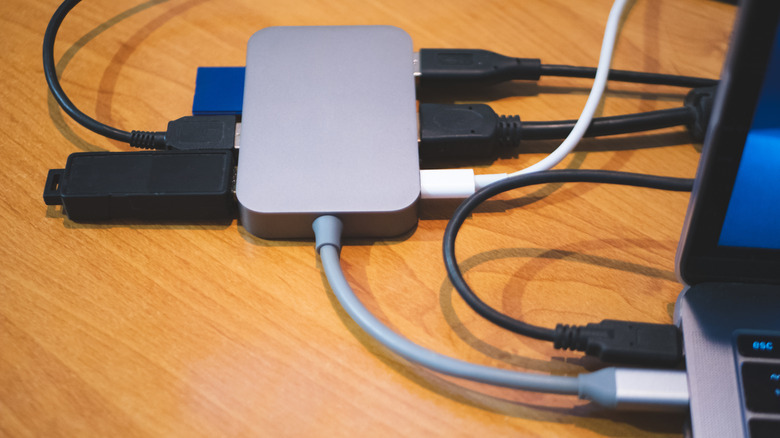
The top number of devices a modern USB port can handle is 255. Of course, you'll need a bunch of USB hubs daisy-chained together in order to add extra ports onto the base port, and that creates a bunch of other issues we'll discuss further down. Computers count in powers of 2 (ie, 1, 2, 4, 8, 16, 32, 64, 128), so 255 may seem like a strange number. However, the real limit is actually 128 when you include the original port itself.
Beginning with USB 3.0 SuperSpeed, the USB protocol uses the eXtensible Host Controller Interface (xHCI) to assign each device a unique address, and each device can declare up to 31 endpoints. As of xHCI 1.2, released in 2019, that math comes out to 255 USB devices that can be recognized, accounting for the port itself as the 256th.
However, all of this is merely theoretical. The xHCI standard allows vendors to define the number of allowed devices. That means your motherboard manufacturer probably put limits on your USB ports in order to prevent you from causing untold issues with your computer by plugging in hundreds of devices on daisy-chained USB hubs. Even if you somehow ended up with a port that didn't have those restrictions, there are plenty of other reasons you'd hit a roadblock long before plugging in 255 devices, or even 100. It's one of many reasons why you might need more USB ports on your laptop than you think.
Why most USB ports won't hit their theoretical device limit
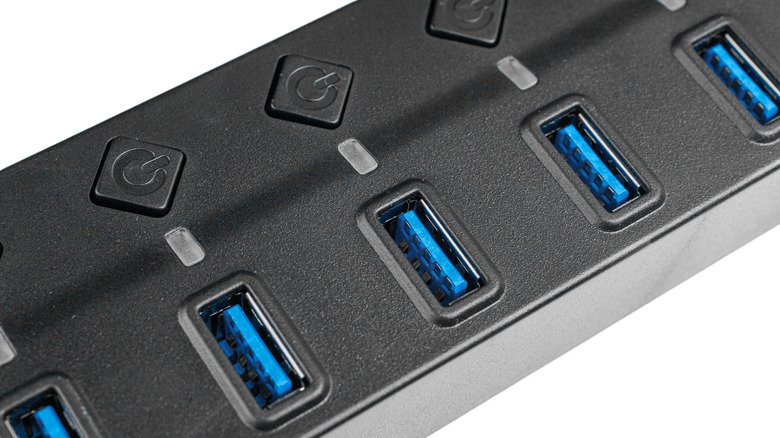
As we've established, a USB 3.0 or higher port can theoretically work with up to 255 devices attached to it. However, what prevents this from happening in the real world is that you would need to daisy chain multiple USB hubs or docks together, plugging one hub into another like a barrel of monkeys. Not only would each of those bridge devices count against the 127-device limit, but you would quickly run into another issue: the highest number of USB layers you can have is just seven based on hub topology.
The port itself can sometimes be a couple of layers deep before you've even attached anything. But even on systems where the hub and port itself count as the first layer, things aren't so simple. The first hub you attach counts as the second layer. You can chain three more hubs to reach five layers, and so on. You will therefore hit the seventh layer quickly. However, since hub chips usually have only four downstream-facing ports, those hubs are usually multiple hubs daisy-chained together, which all count against your device limit.
Moreover, the host controller on many computers has a self-imposed limit, often under 100 devices. Even if you could find a way to chain 127 or 255 devices into a single USB port, you'd likely see an error pop up on the computer long before you plugged them all in. If that limitation did not exist, the power required for all those devices would probably become the first bottleneck, since most computers are not configured with enough headroom on the power supply to handle the full device load. This is all fine, since you shouldn't connect some devices with a USB hub, anyway.